Projects / Network Analyser
Network Analyser
A touchscreen WiFi network scanner and diagnostics tool for the Guition ESP32-S3 4848S040. Designed to help you understand exactly what is on your boat's WiFi network — every device, every open port, and whether your NMEA data is flowing correctly.
On a modern boat network, instruments, chart plotters, AIS receivers, depth sounders, and crew devices all share the same WiFi. When something stops working it is rarely obvious why. The Network Analyser gives you a live view of the whole network from a dedicated touchscreen display, without needing a laptop or phone.
Network Analyser is open source, released under the GNU General Public Licence v3. Source code is available on GitHub.
NMEA network diagnostics
NMEA 0183 sentences are increasingly distributed over WiFi UDP on modern boats. A chart plotter, a multiplexer, or a device like the NMEA WiFi Bridge broadcasts sentences to a UDP port and every app on the network listens. Most NMEA 2000 and NMEA 0183 equipped yachts use this pattern for chart plotters, AIS receivers, and instrument displays. When a chart app stops receiving position or AIS data, the fault could be anywhere in that chain.
The Network Analyser helps you isolate the problem:
- Confirm the NMEA source device is present and reachable on the network
- Check which UDP port it is broadcasting on
- Verify the chart app device is visible and connected
- Identify IP address conflicts or unexpected devices on the network
- Check internet connectivity for weather overlay services
- Assess WiFi spectrum usage and channel congestion
- Verify network interoperability between instruments, plotters, and apps
What it does
- —Scans all devices on the WiFi network via ARP
- —Identifies device manufacturer from MAC address (40,000+ vendor database)
- —Extracts hostnames via DHCP snooping — no manual lookup needed
- —Port scans each device to identify running services
- —Ping test with min / max / average latency per device
- —Real-time RSSI signal strength monitoring
- —WiFi spectrum analysis and channel congestion display
- —Detects internet connectivity and displays external IP
- —Flags devices that join or leave the network
- —Dual WiFi mode — connects to your boat WiFi or creates its own hotspot
- —Configuration via touchscreen — no app required
- —MicroSD card for full 40,000-entry IEEE OUI vendor database
What the screens look like
The network scan lists every device on the boat WiFi with hostname, ping time, and open port count. The NMEA scope decodes live UDP sentences in real time — colour-coded by type, with the raw data interpreted into readable values.
Network device scan
Live NMEA sentence decoder
These are HTML approximations of the actual screens for illustration purposes and may not reflect every detail of the current firmware.
Hardware
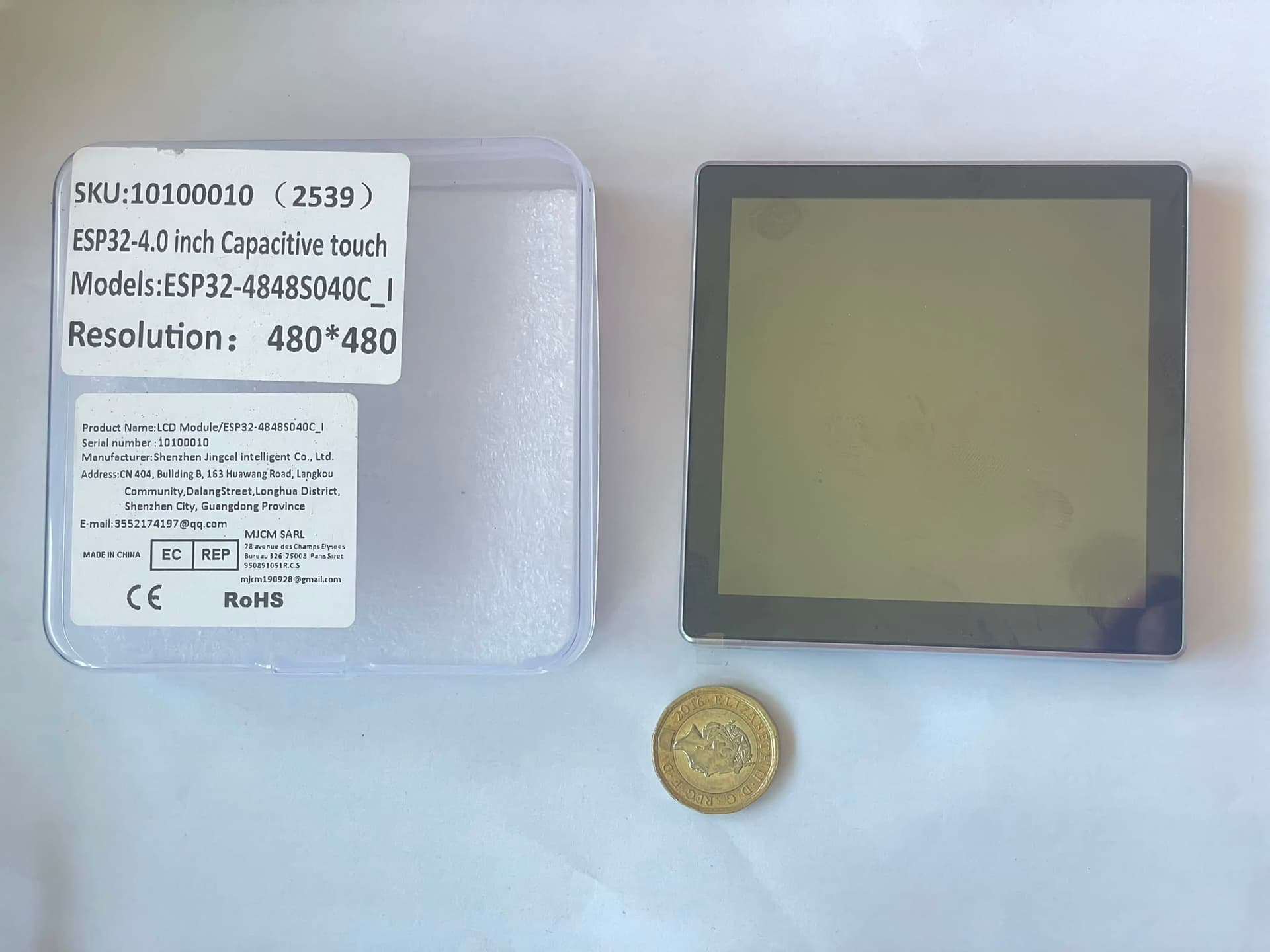
Runs on the Guition ESP32-S3 4848S040 — the same board used by the NMEATouch20. It is a 480×480 capacitive touchscreen module with an ESP32-S3, 8 MB PSRAM, and 16 MB flash. Available from AliExpress for around £20–£25.
A MicroSD card (any size, FAT32) is optional but recommended — it holds the full IEEE OUI vendor database so the analyser can identify the manufacturer of any device by MAC address.
Flash firmware
Connect the Guition ESP32-S3 4848S040 to your computer with a USB-C data cable and click the button below. This flashes the firmware and the filesystem image in one step.
Requires Chrome or Edge on a desktop computer (Web Serial API). Firefox and Safari are not supported.
First time setup
After flashing, the unit starts in access point mode. Connect to its WiFi hotspot and configure your network credentials on the touchscreen.
Default AP credentials
SSID: Network Analyser
Password: Epoxy123
Once connected to the hotspot, use the touchscreen Settings menu to enter your boat WiFi SSID and password. The unit restarts and joins your network, then begins scanning immediately.
Factory reset: reflash the firmware using the button above. There is no physical boot button accessible on this unit.
Support this project
This project is free to use. If it saved you the cost of a commercial network tool, a small voluntary contribution helps fund future projects.
Support TritiumReleased under the GNU General Public Licence v3. Source code on GitHub.
4